Print home
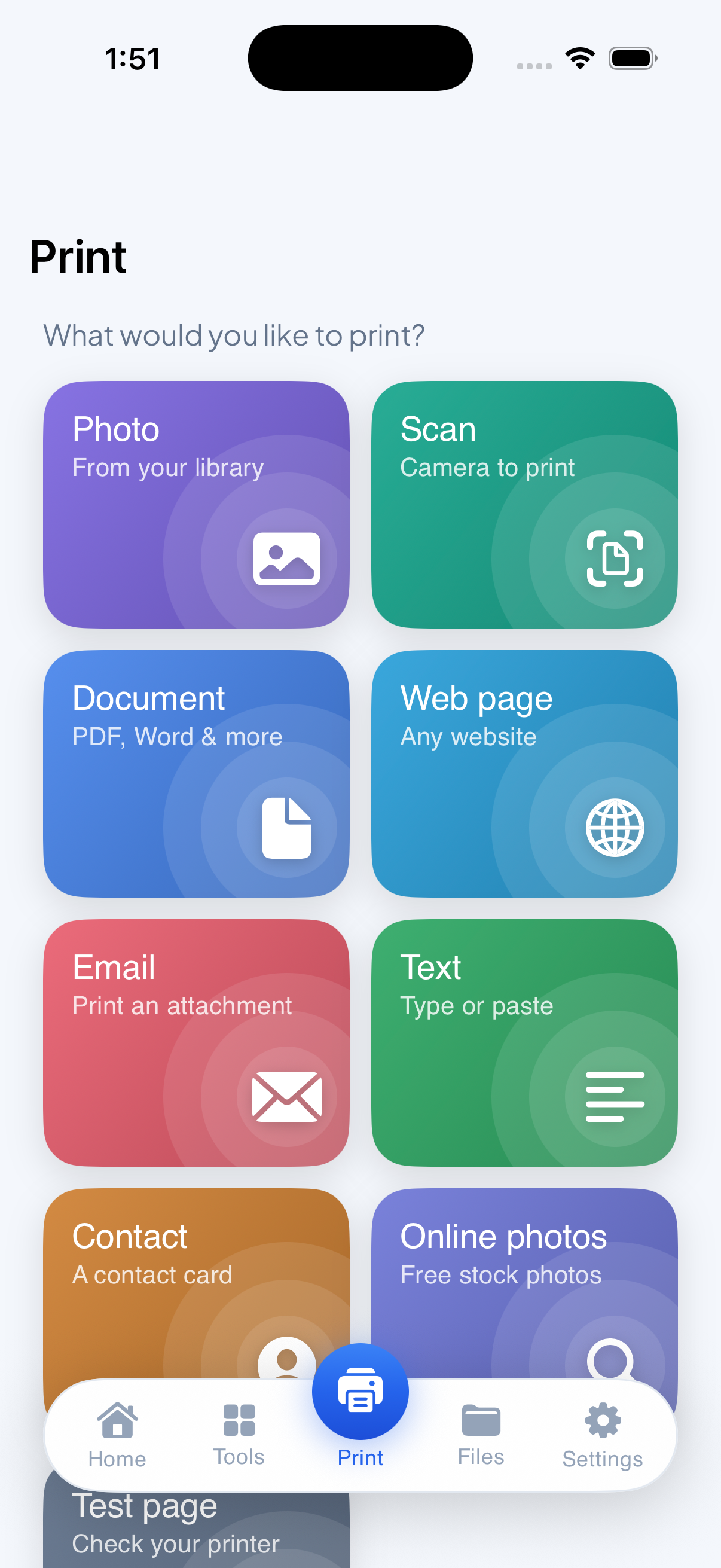
What would you like to print?
Photo
From your library
Scan
Camera to print
Document
PDF, Word & more
Web page
Any website
EmailTextContacts+ 3 more
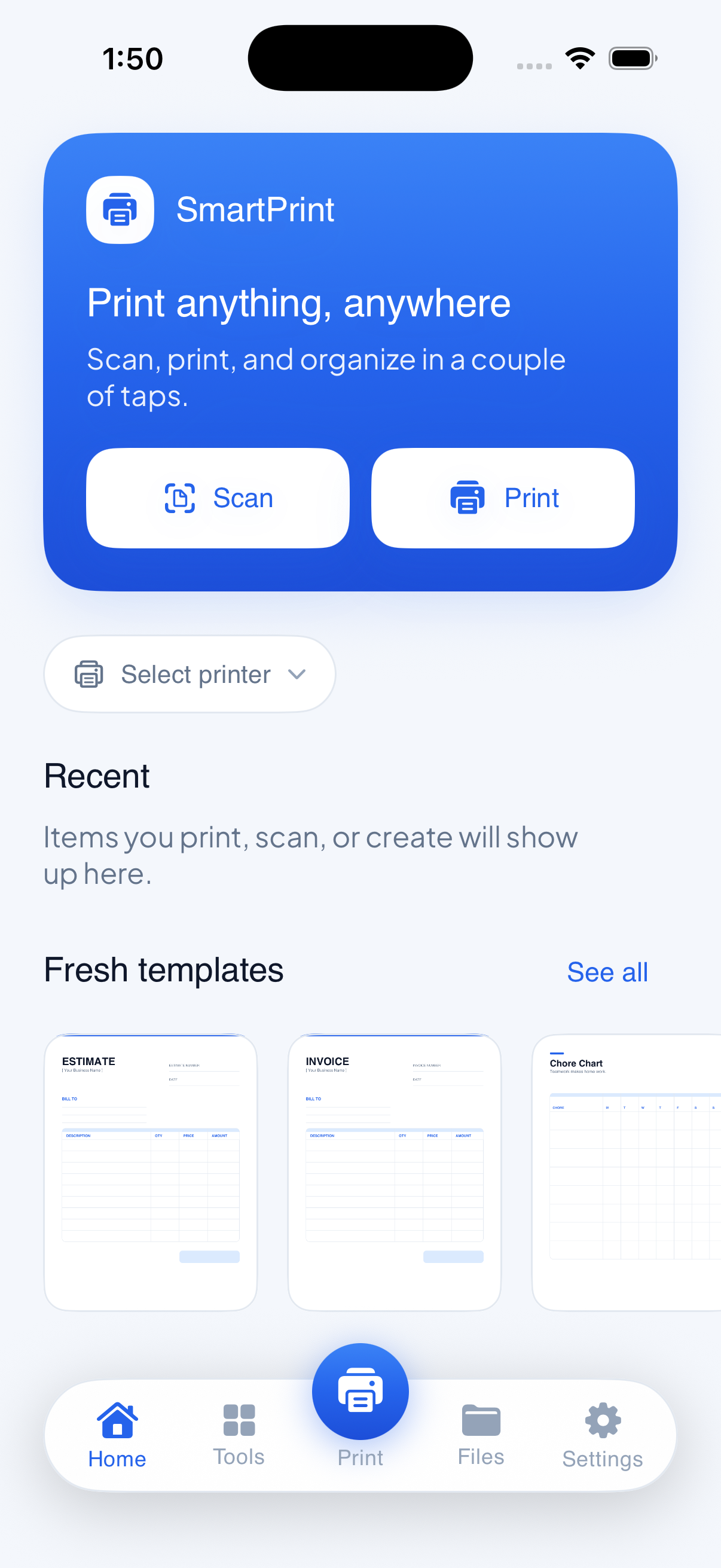
Documents, photos, web pages, and fresh scans, sent to any AirPrint printer in a couple of taps. No cables, no drivers, no account.
We prepare your file the way a printer wants it: right size, right margins, true color. Then we hand it to Apple's own printing, and you just tap print.
SmartPrint turns your iPhone into a full print shop. Scan a document, tidy up a PDF, drop a photo into a template, then send it to any printer on your Wi-Fi. Everything happens on your device.
Made for people who just want the page to come out right, without a cable, a driver, or an account.
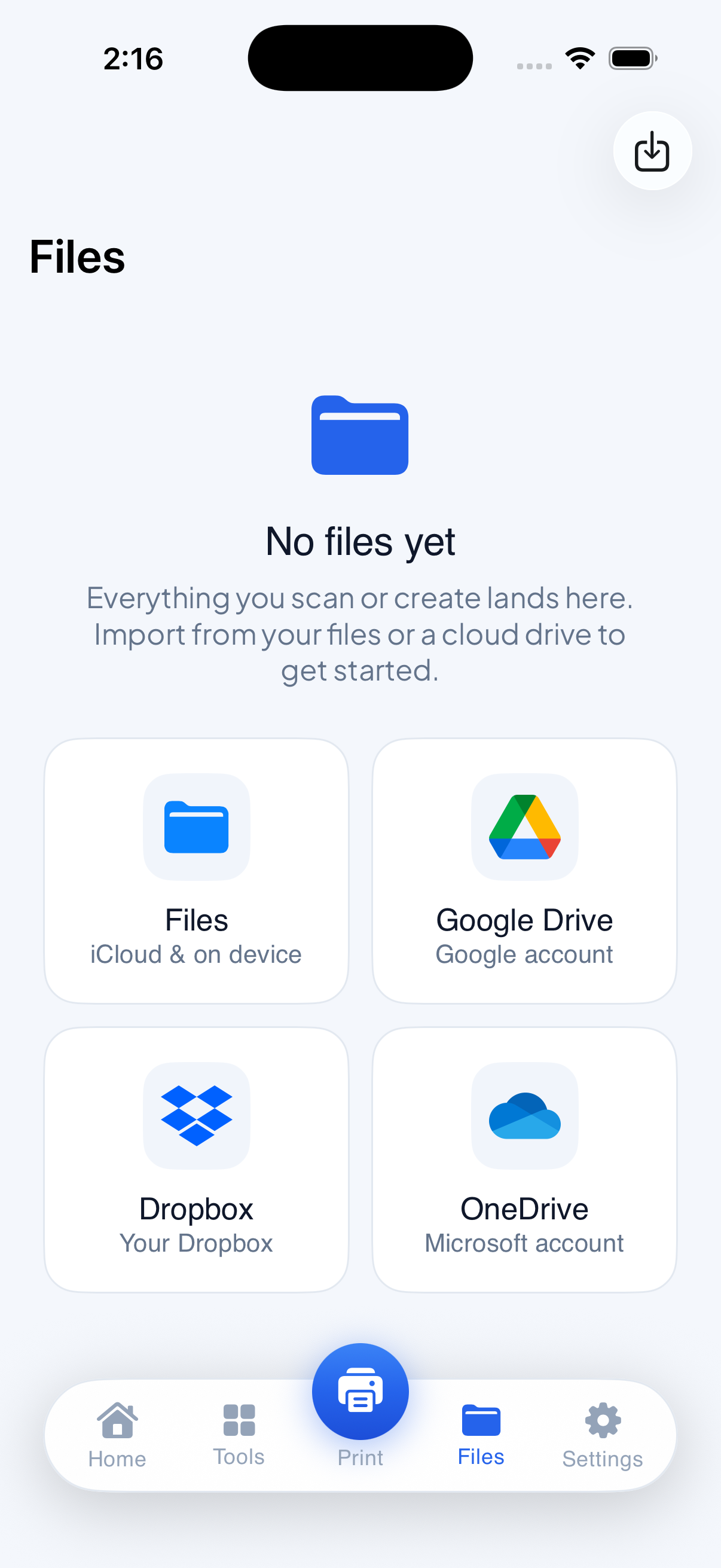
Your cloud drives show up right in the picker, so any file is one tap from the printer.
Photos, docs, web, and scans
Everything, one tap away
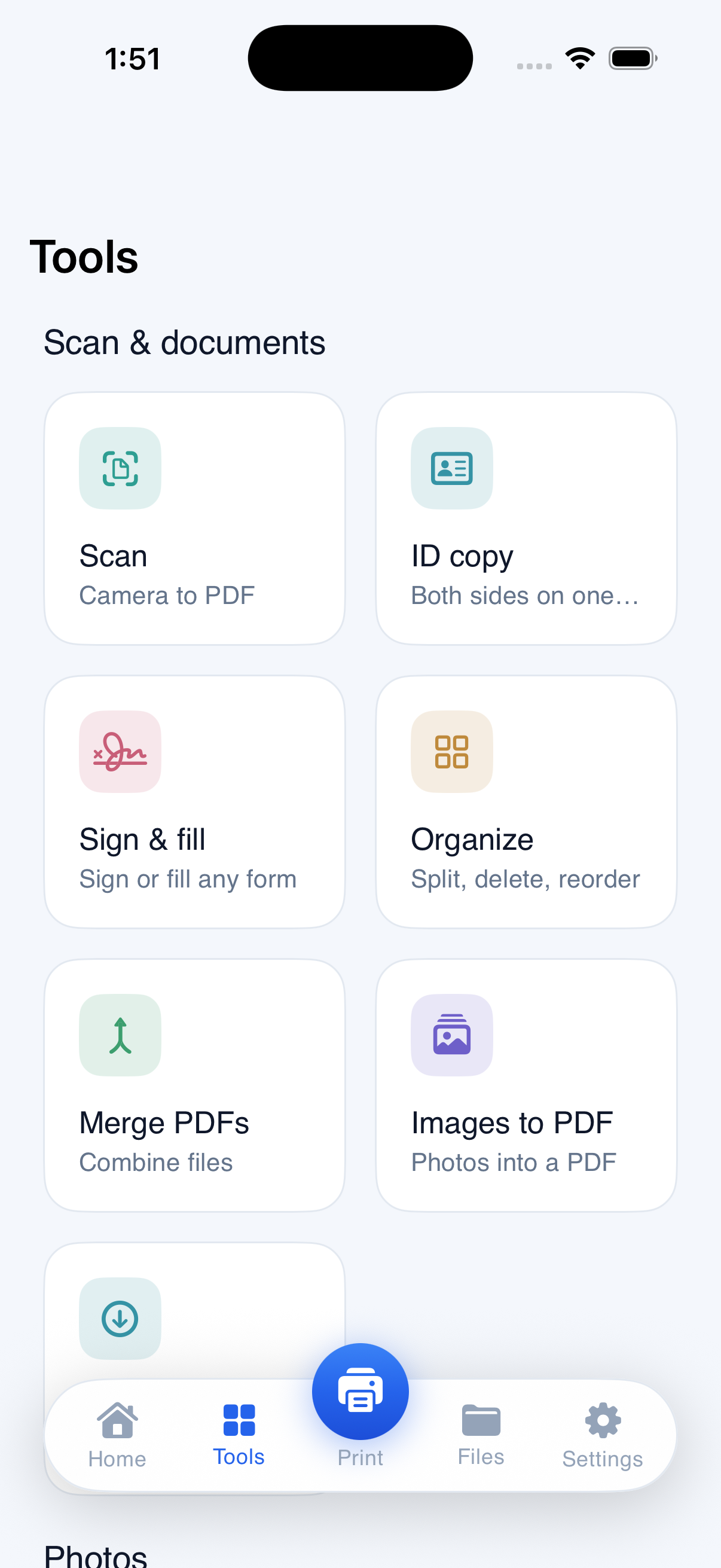
Scan, sign, compress, collage
Edit and print in minutes
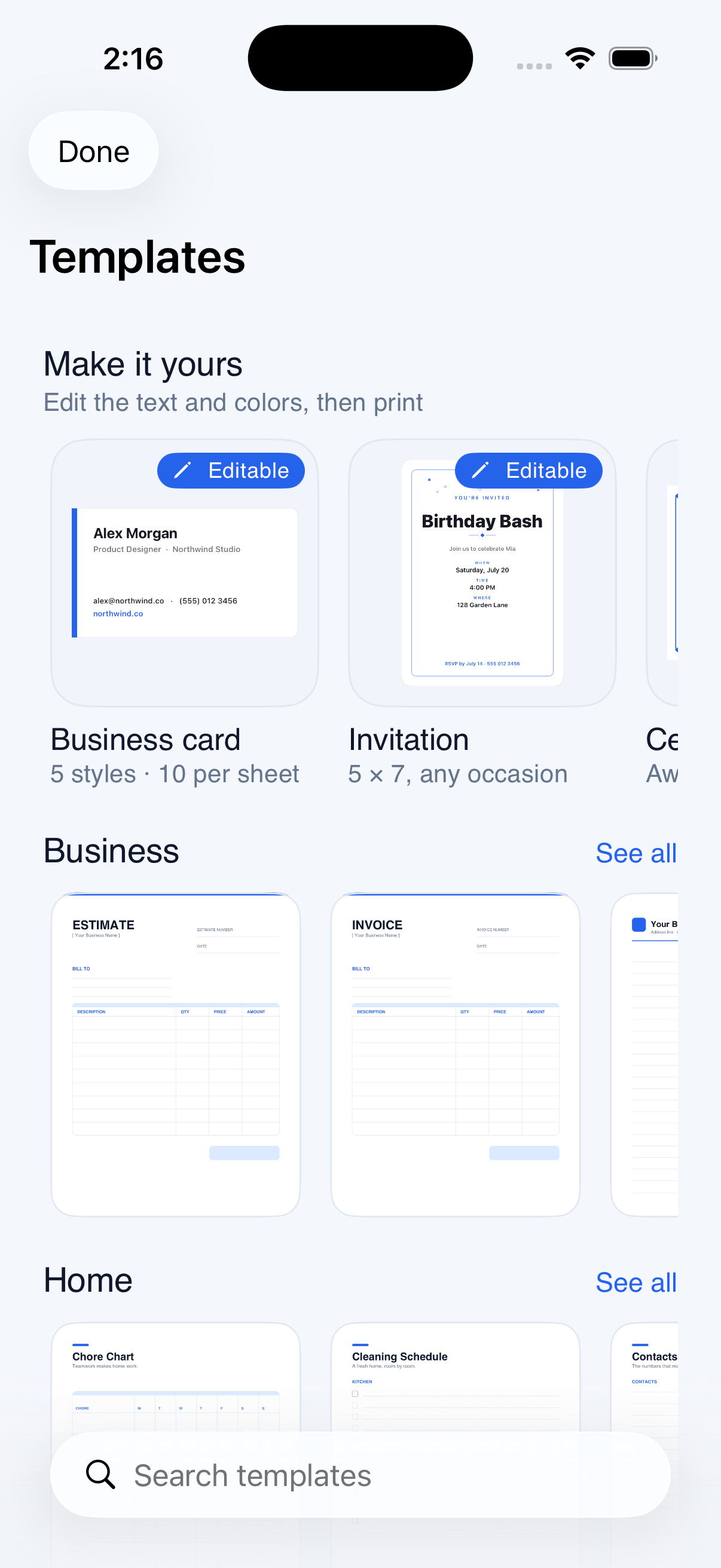
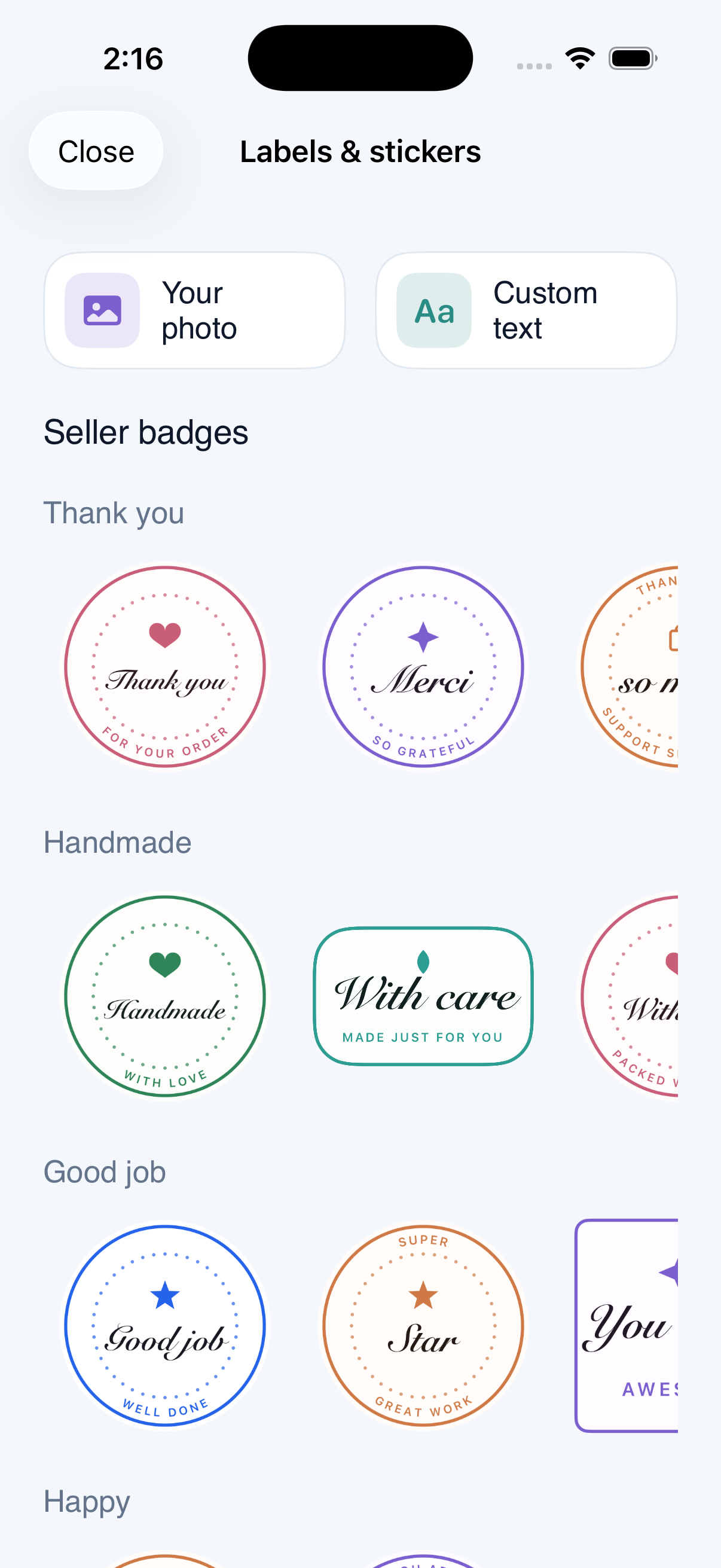
Sheets and seals, ready to peel
All in one place
A file, a photo, a web page, or a fresh scan from your camera.
SmartPrint finds the printers on your Wi-Fi. Set copies, paper, and color.
It goes straight to your printer over Apple AirPrint. That is it.
No. SmartPrint uses your iPhone's built-in AirPrint, so most modern wireless printers just work with nothing to install.